I have 3 debts and no idea which to pay first
Add your loans and credit cards, compare the schedules, and find the fastest payoff strategy.
Step 1: Add your first loan
Go to Obligations from the sidebar and click "+ Add loan". Enter the details for your car loan: the original principal (e.g. €12,000), annual interest rate (e.g. 5.9%), and term in months (e.g. 48). Collie calculates the monthly payment automatically and generates the full amortization schedule — every payment broken down into principal and interest.
Step 2: Add your second loan
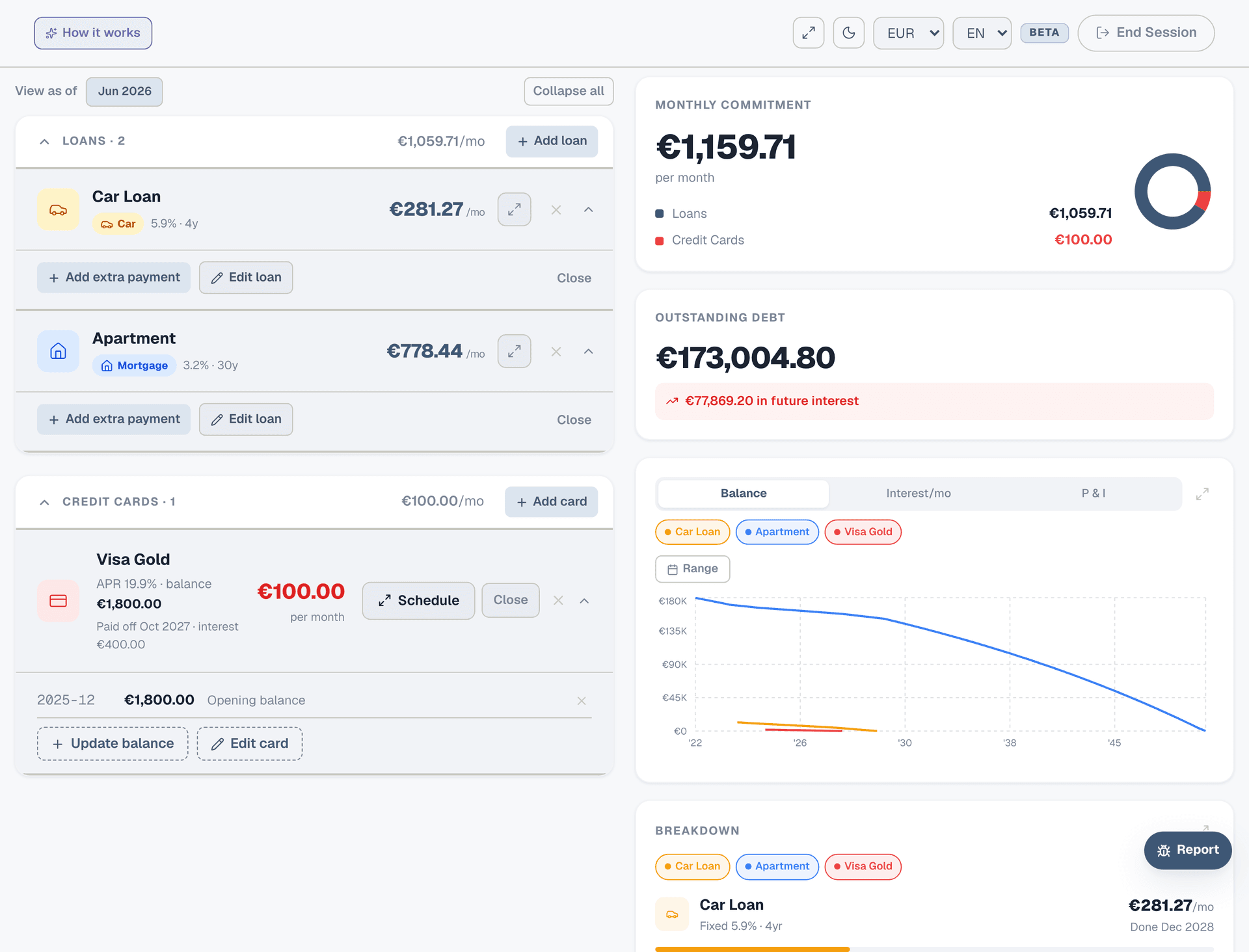
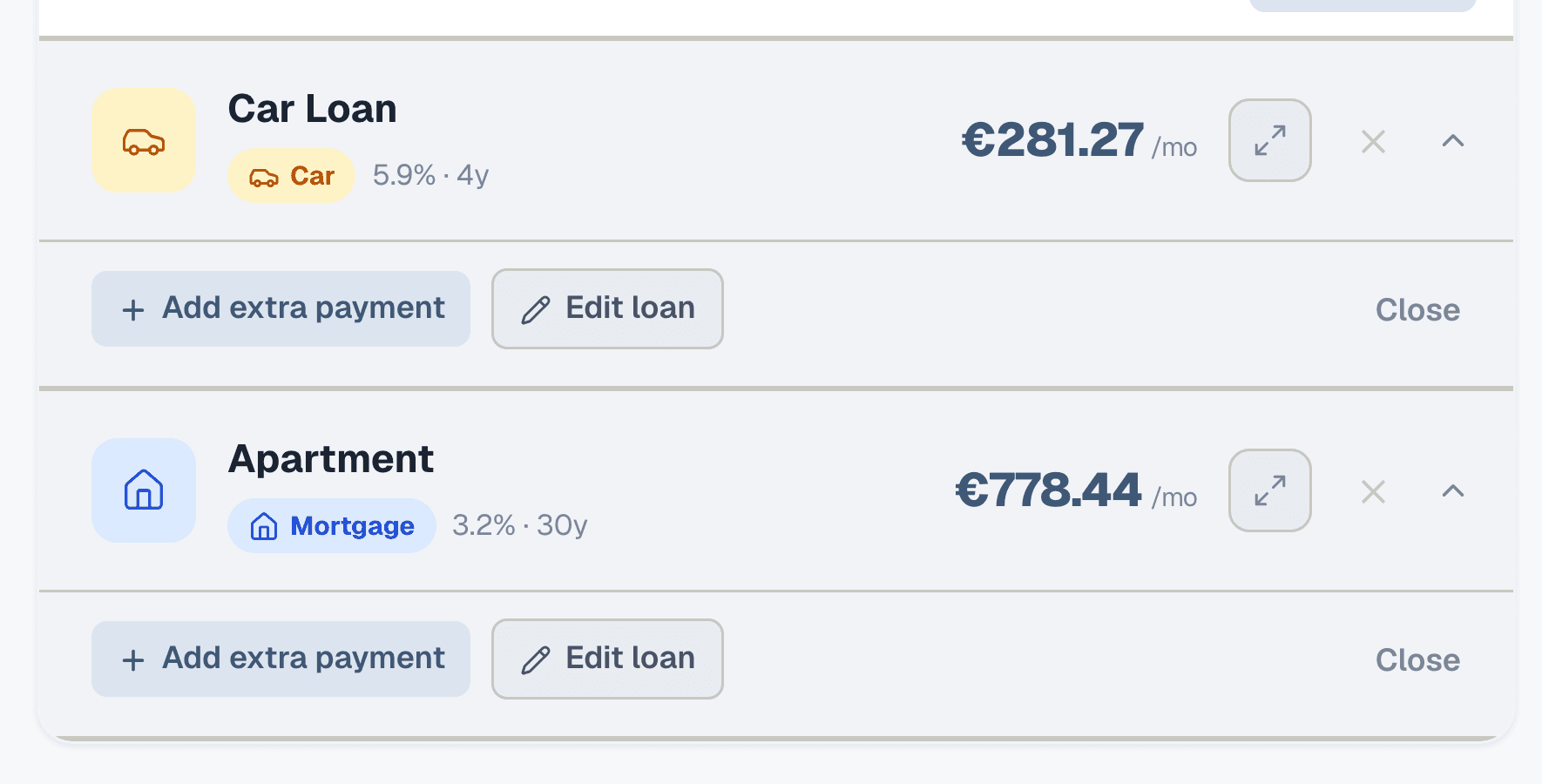
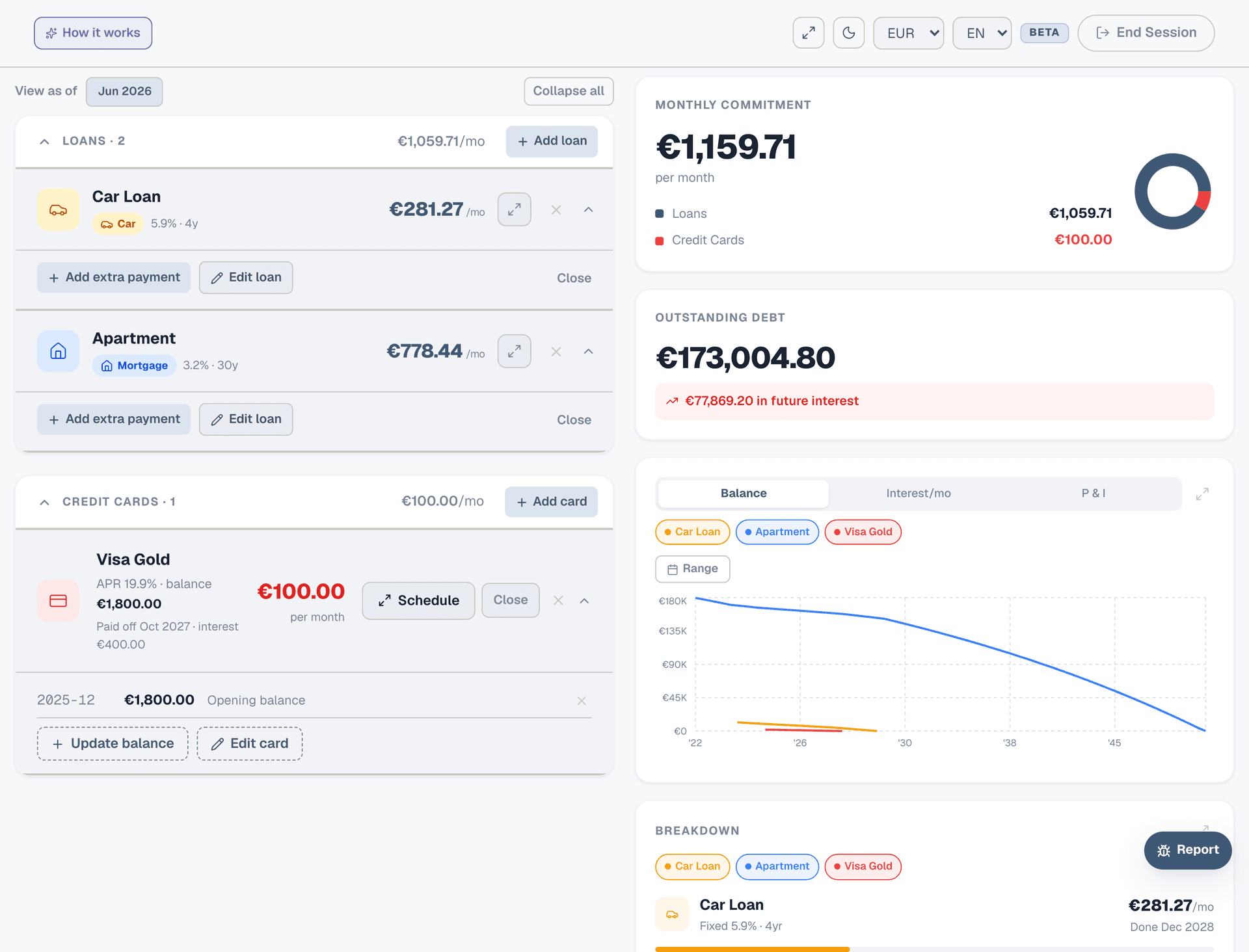
Click "+ Add loan" again for your mortgage or personal loan. Different principal, different rate, different term — Collie handles each independently. You'll see both loans listed with their monthly payments, outstanding balances, and payoff dates. The right panel shows your total monthly commitment across all debts.
Step 3: Add your credit card
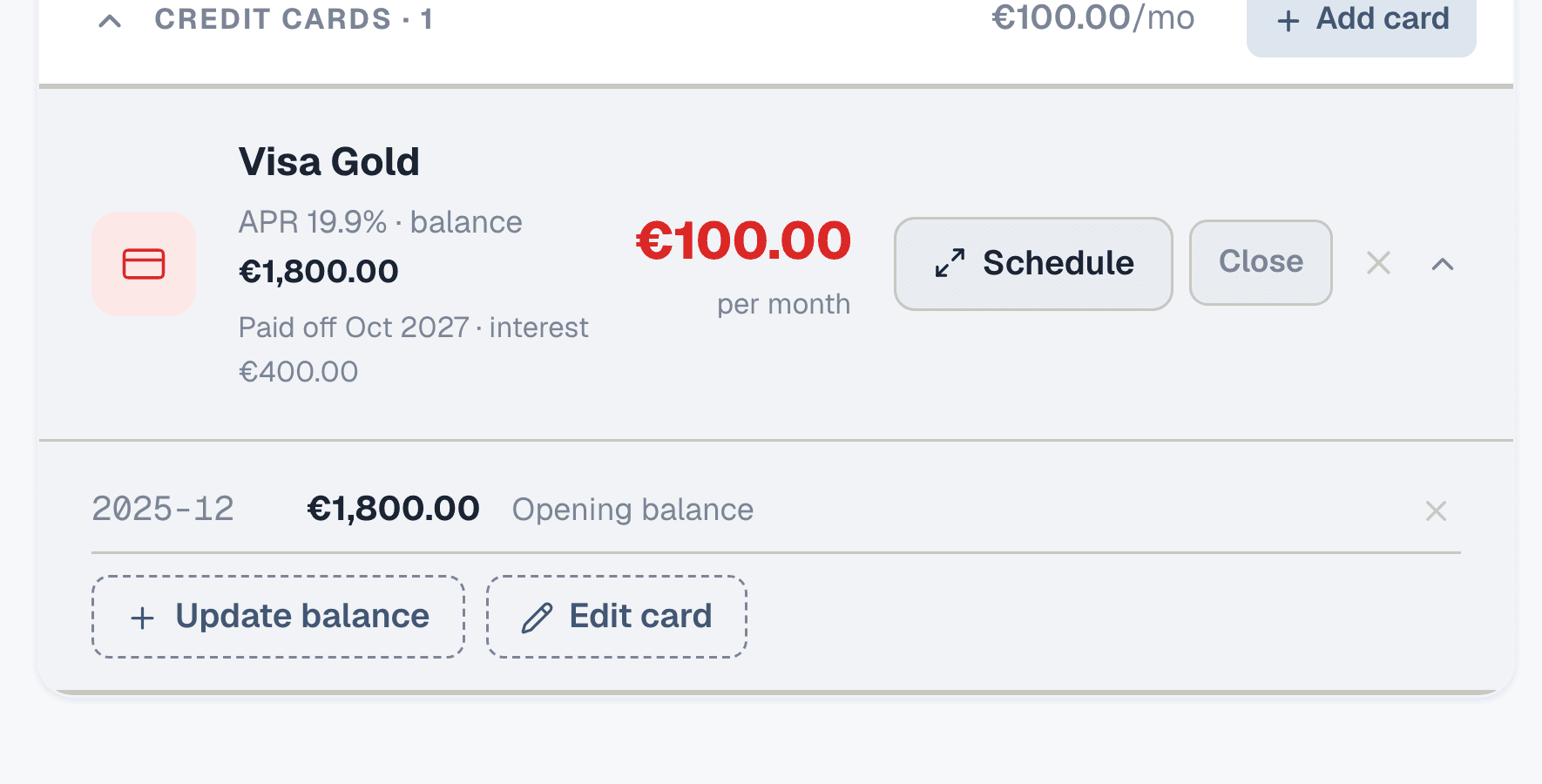
Click "+ Add card" to add a credit card. Enter the current balance, APR, and how much you pay each month. Unlike loans with a fixed term, credit cards depend on your payment amount — Collie projects when you'll be debt-free at your current payment level and how much total interest you'll pay.
Step 4: See the full picture
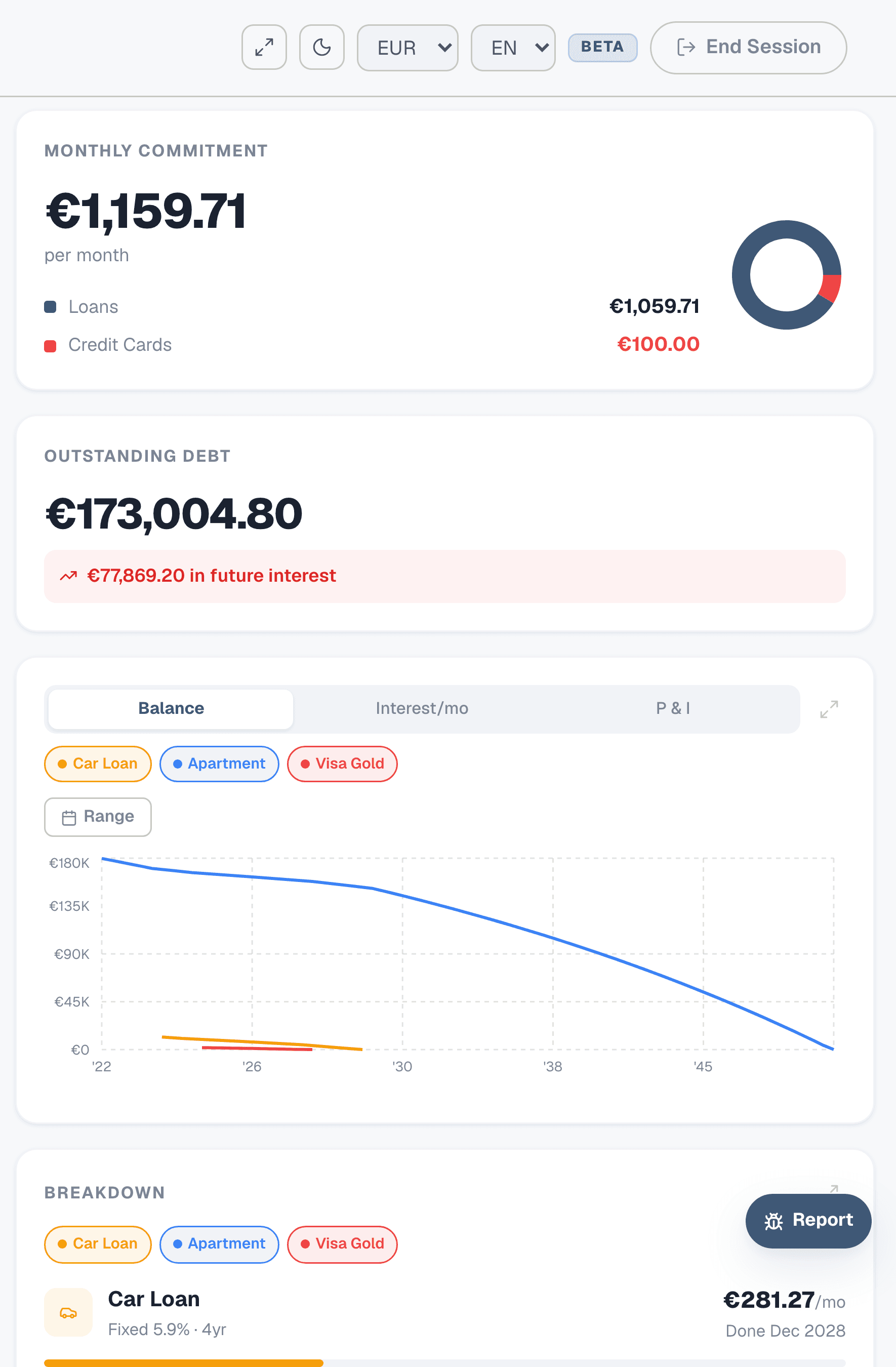
The Obligations page now shows all your debts side by side. On the right: your total monthly commitment, outstanding debt, future interest, and a balance chart showing how each debt decreases over time. The breakdown section ranks your debts by monthly payment — the biggest drain on your cash flow is at the top.
Step 5: Compare the schedules
Click the expand icon on any debt to see the full amortization schedule — every month's payment split into principal and interest. Compare: which loan charges you the most interest relative to its balance? That's usually the one to attack first. The credit card at 19.9% APR costs you far more per euro than the mortgage at 3.2%.
Step 6: Simulate an extra payment
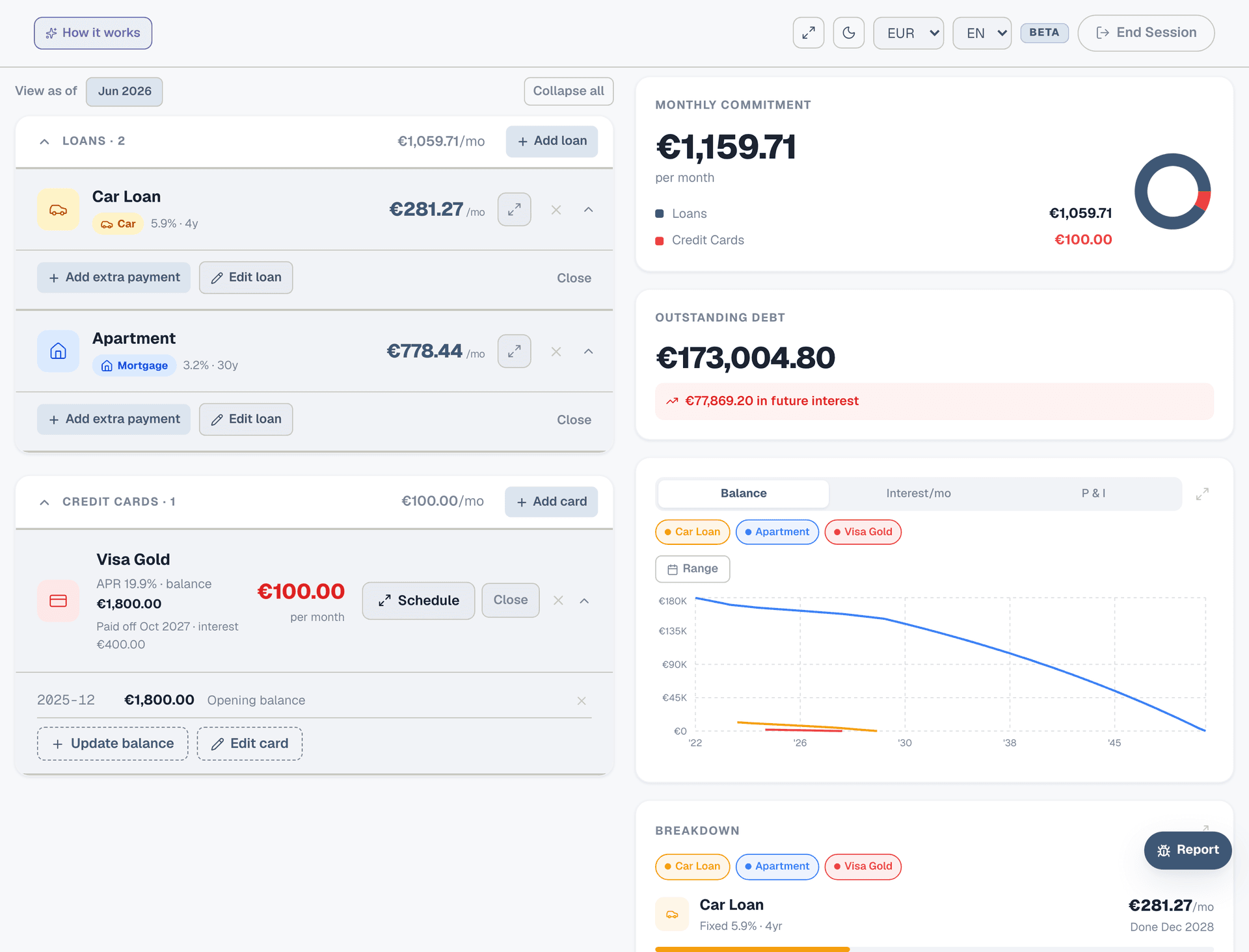
On your highest-rate debt, click "+ Add extra payment". Enter a lump sum (e.g. €500) and a date. The schedule recalculates instantly — you'll see how many months it shaves off the payoff date and how much interest you save. This is how you make a plan: "If I put €200 extra toward the car loan each month, I clear it 8 months early and save €380 in interest."
Step 7: Import into your Planner
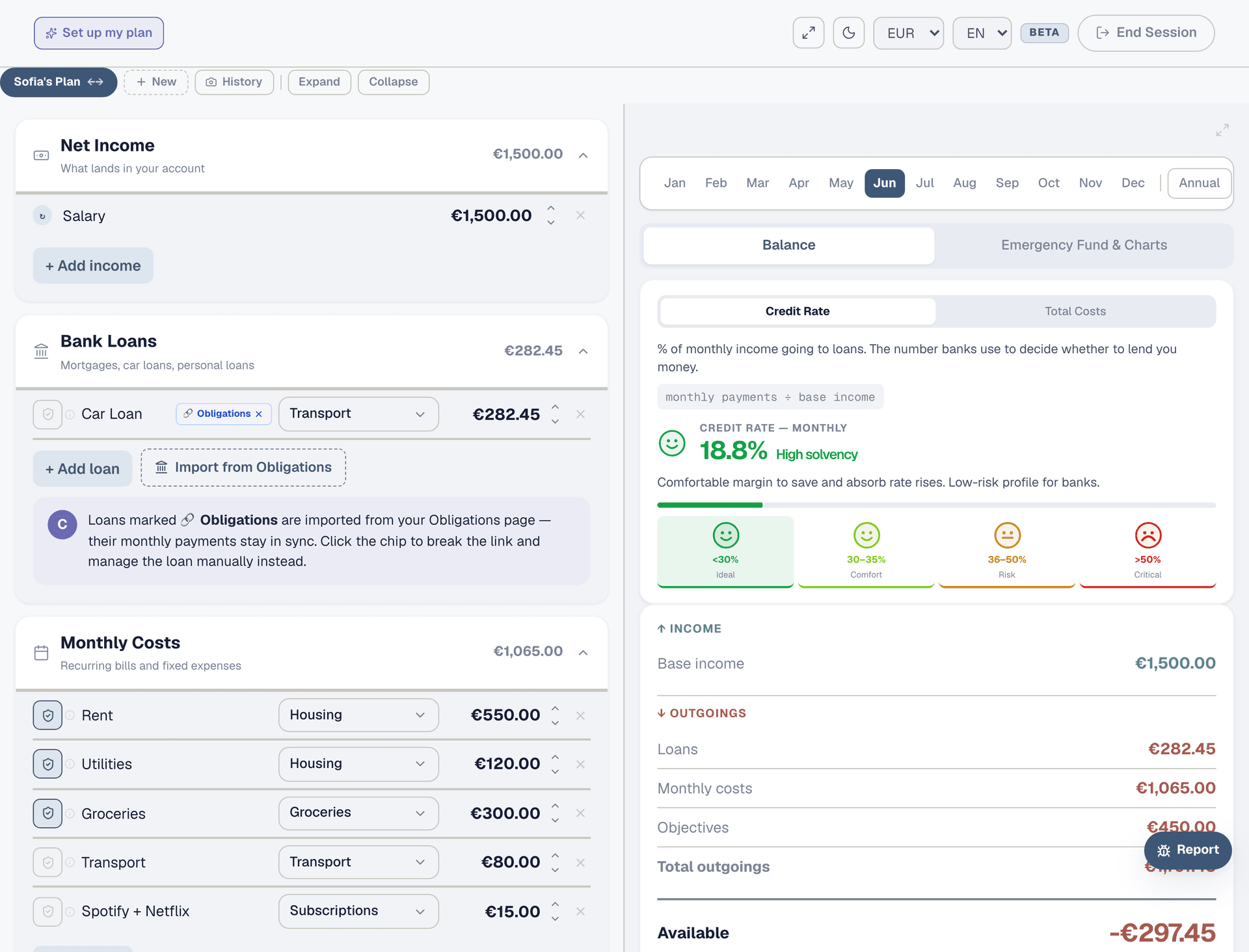
Once your debts are set up, go to the Planner. In the Bank Loans section, click "Import from Obligations". Your loan payments are now part of your budget — synced automatically. If you make an extra payment or the rate changes, the Planner updates to match.