I just got my first salary
Build a complete monthly budget and find out exactly how much you can save.
Step 1: Start with your income
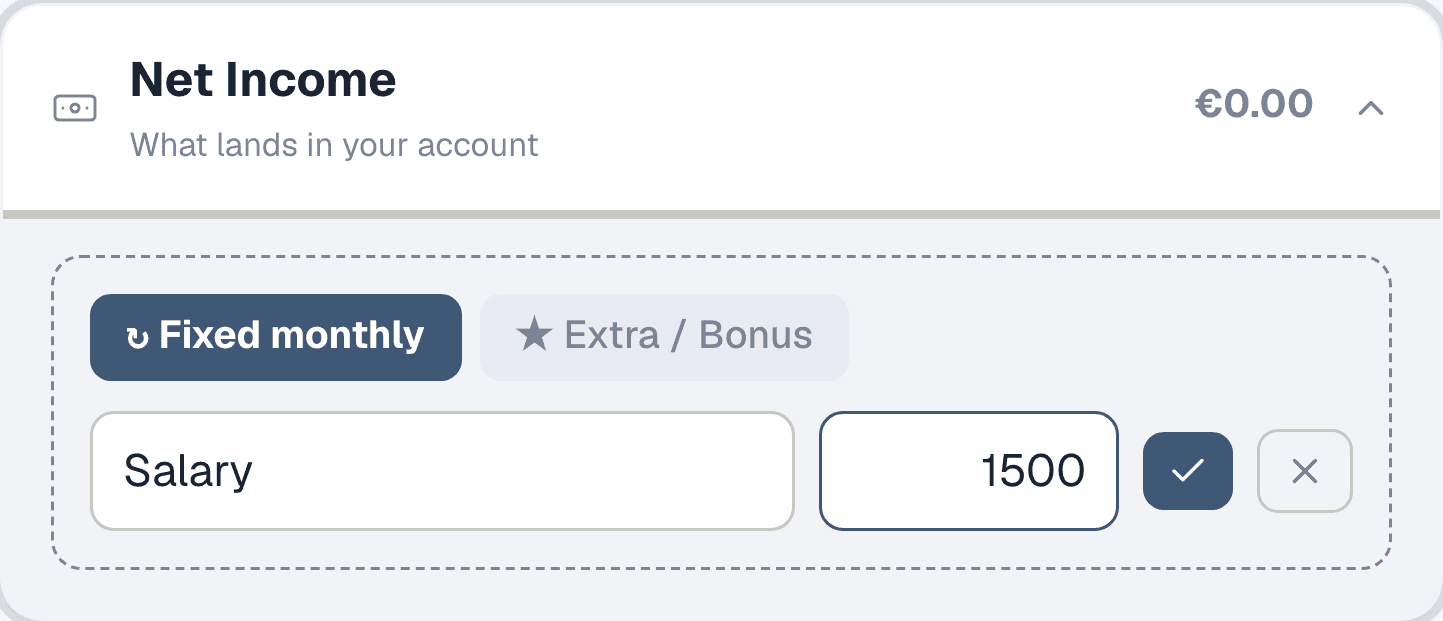
Open the Planner from the sidebar and find the Net Income section. Click "+ Add income" to open the form. Enter your net monthly salary — the amount that actually lands in your bank account after tax and social security. If you also earn freelance income or get a yearly bonus, you can add those too using the "Extra / Bonus" toggle.
Step 2: Your income is set
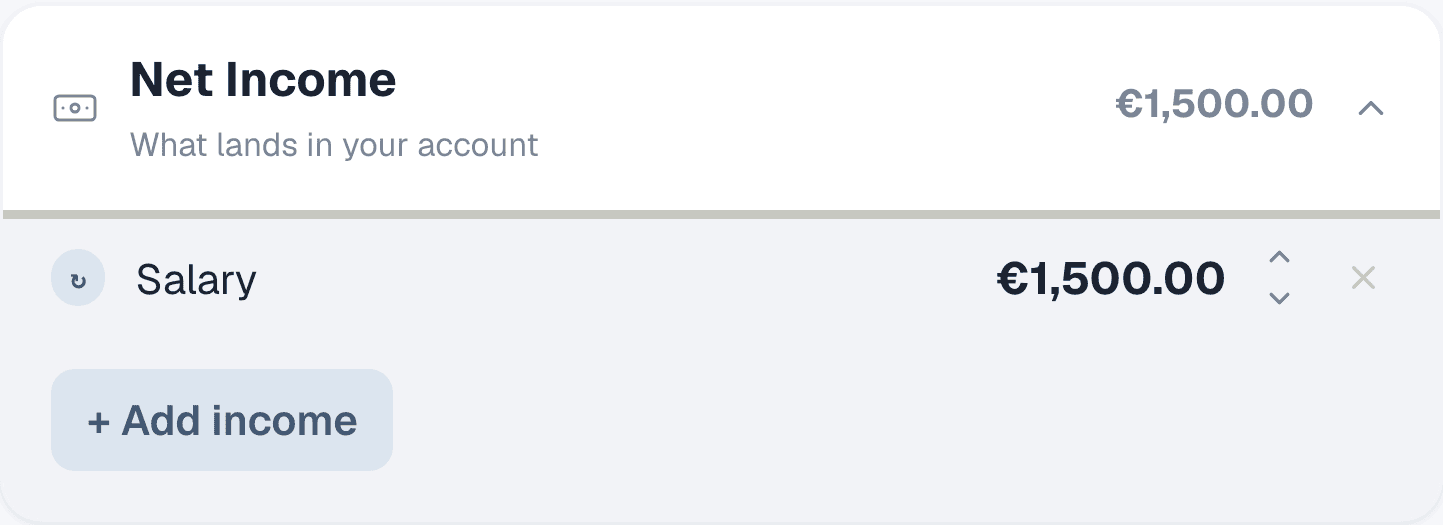
Once you save, your salary shows up as a row with the monthly amount. The section header updates with your total. This is your starting point — everything else gets subtracted from here. If your income changes later, just click the amount to edit it.
Step 3: Add your monthly costs
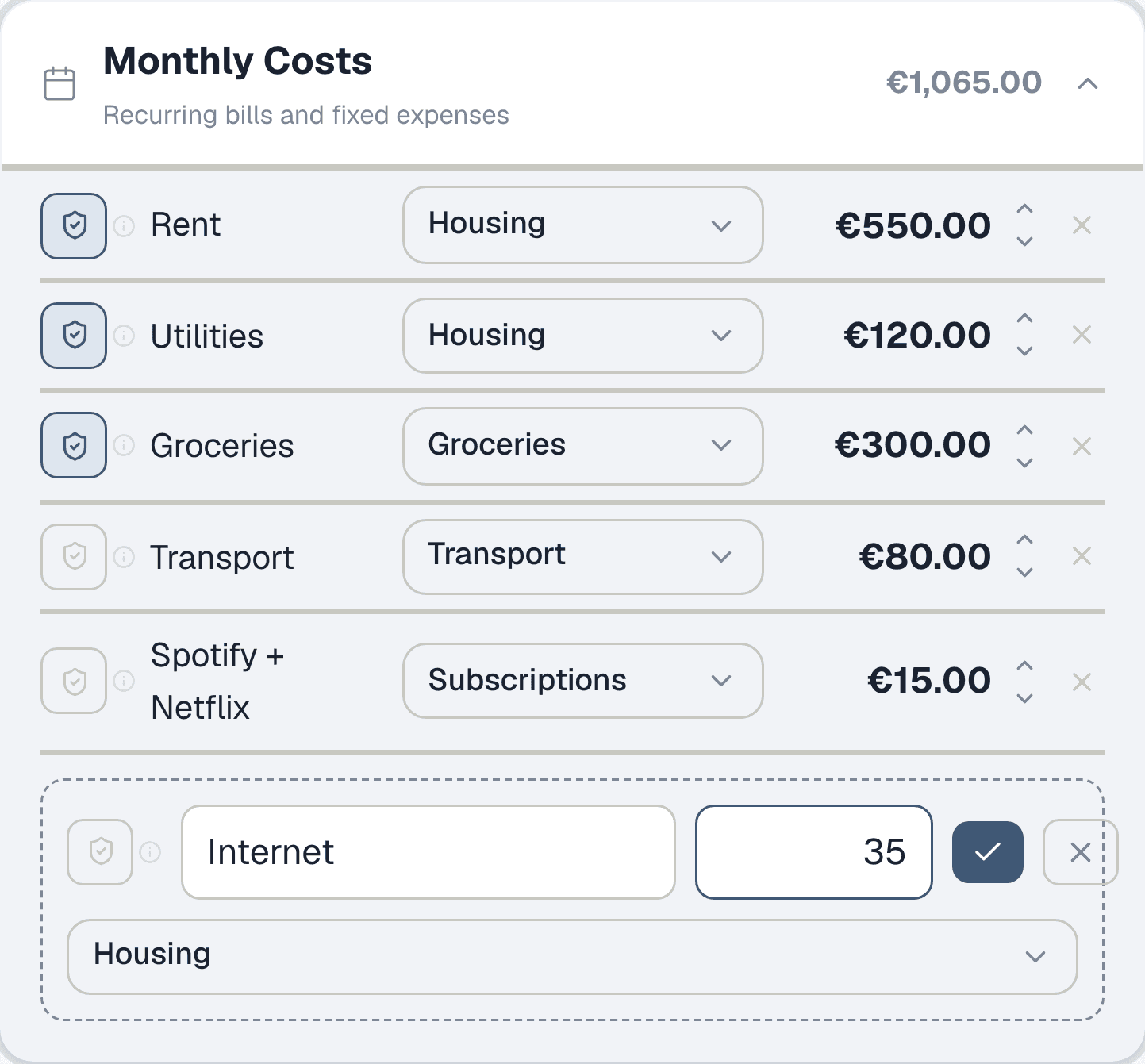
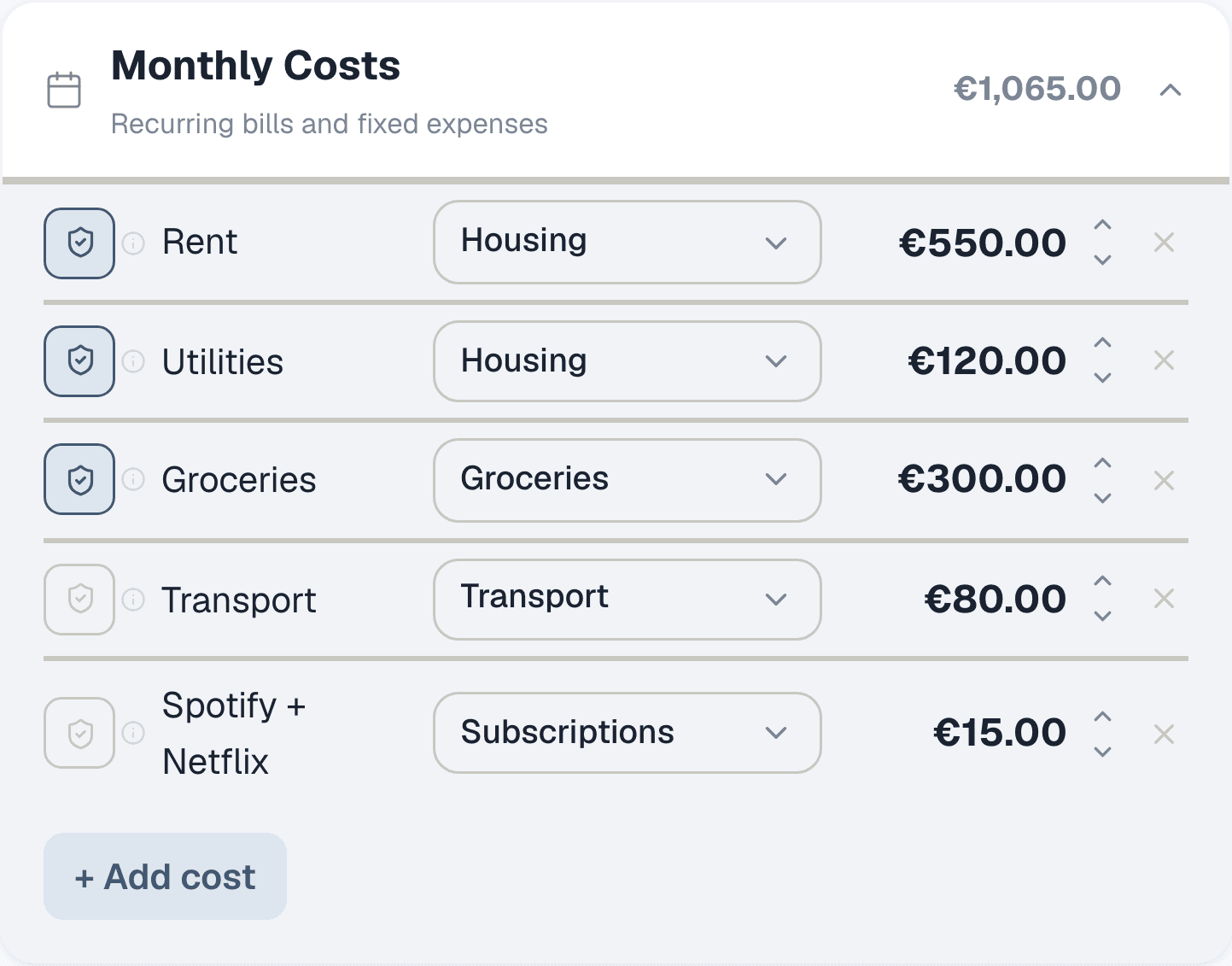
Scroll down to Monthly Costs and click "+ Add cost". Add every fixed expense you pay each month: rent, utilities, groceries, transport, subscriptions. For each one, pick a category from the dropdown — this matters later when you start logging real expenses and want to compare planned vs actual spending per category.
Step 4: See how your costs add up
Each cost row shows the name, category, and amount. The section header totals everything so you can see at a glance how much of your salary goes to recurring expenses. If a number looks wrong, click it to edit inline — no need to delete and re-add.
Step 5: Add any loan repayments
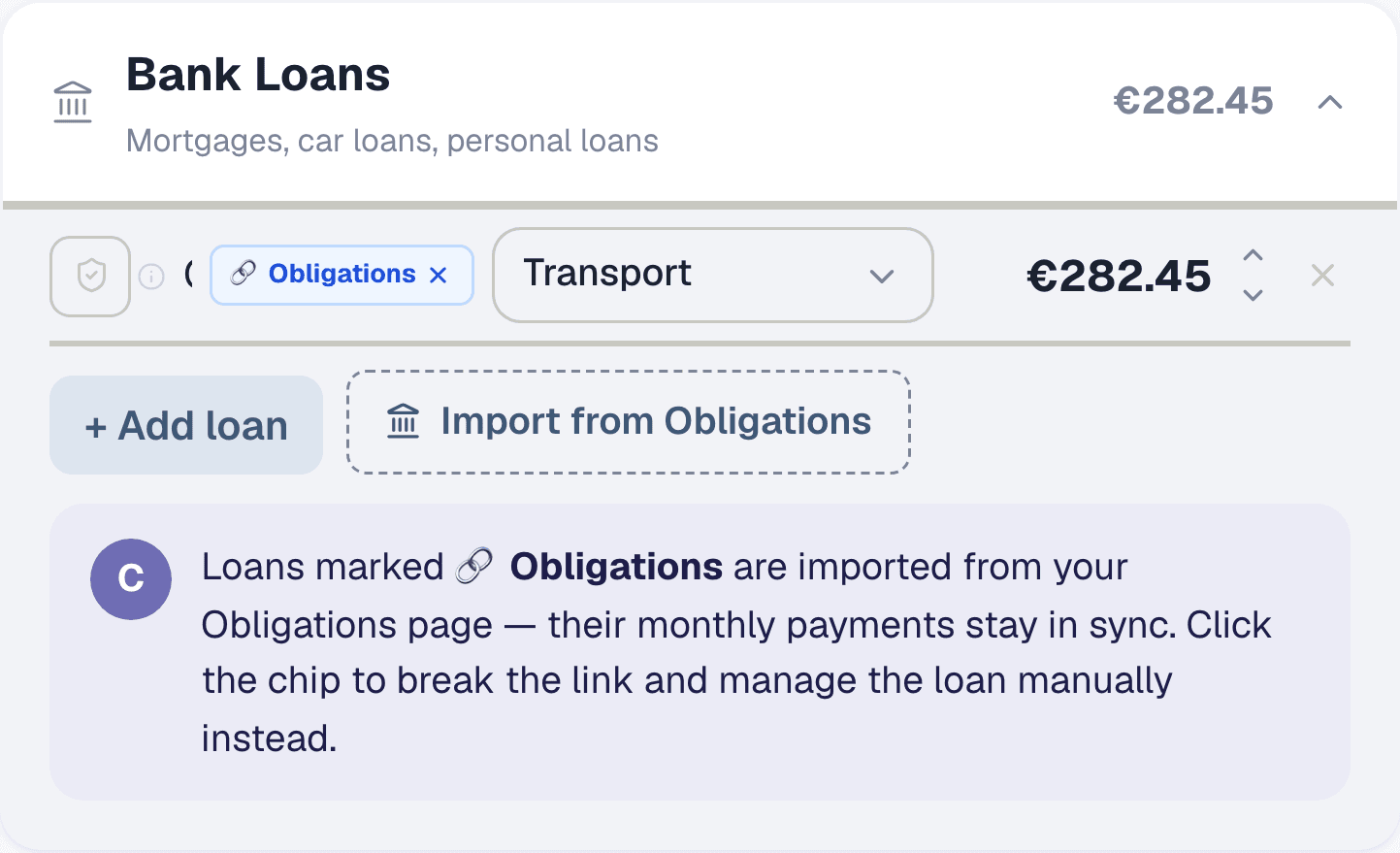
If you're paying off a car loan, student debt, or mortgage, add it under Bank Loans. You can type the monthly payment directly, or if you've already set up the full loan details on the Obligations page, click "Import from Obligations" — the monthly payment stays synced automatically and you'll see the amortization schedule there.
Step 6: Plan for yearly expenses
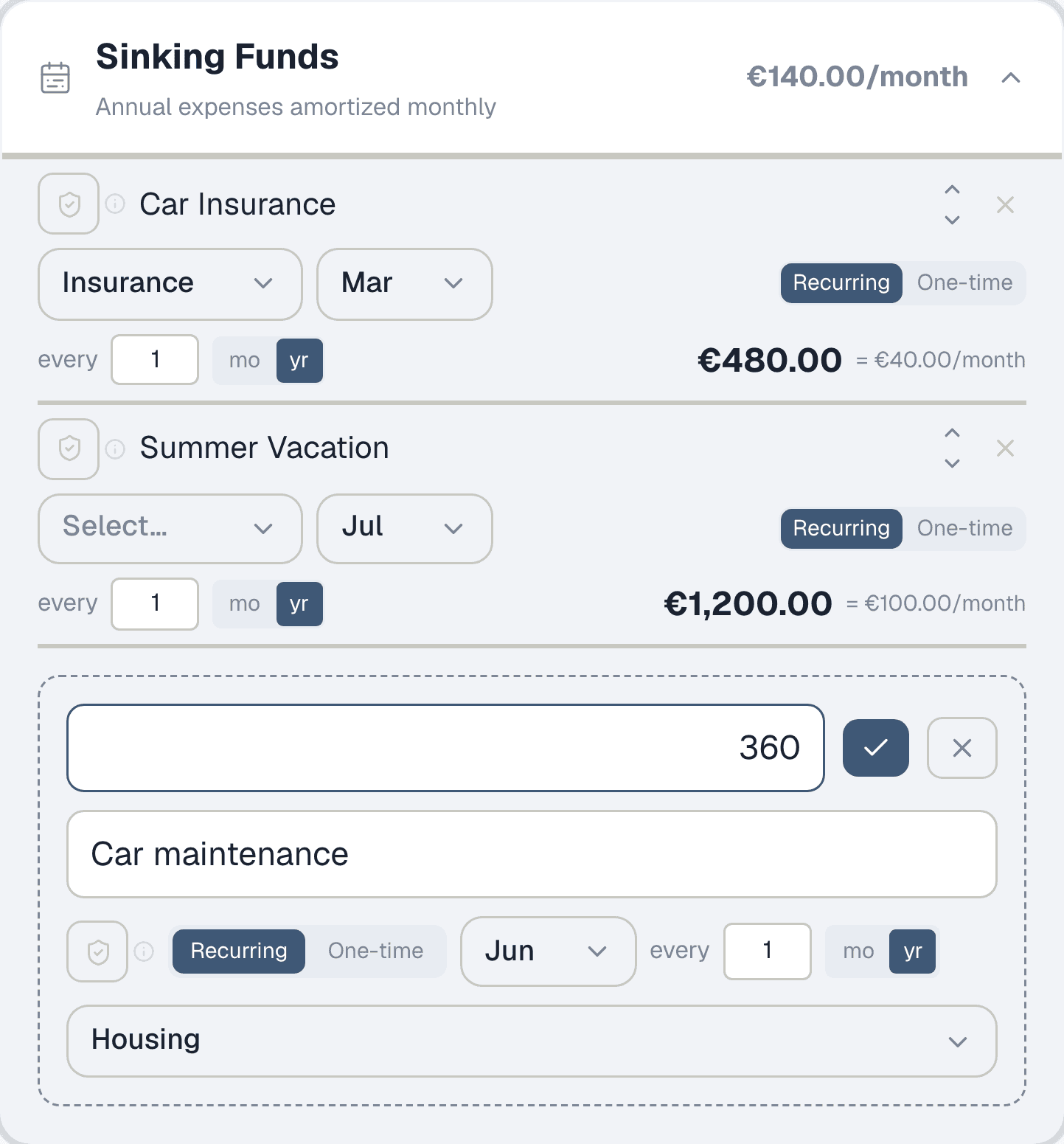
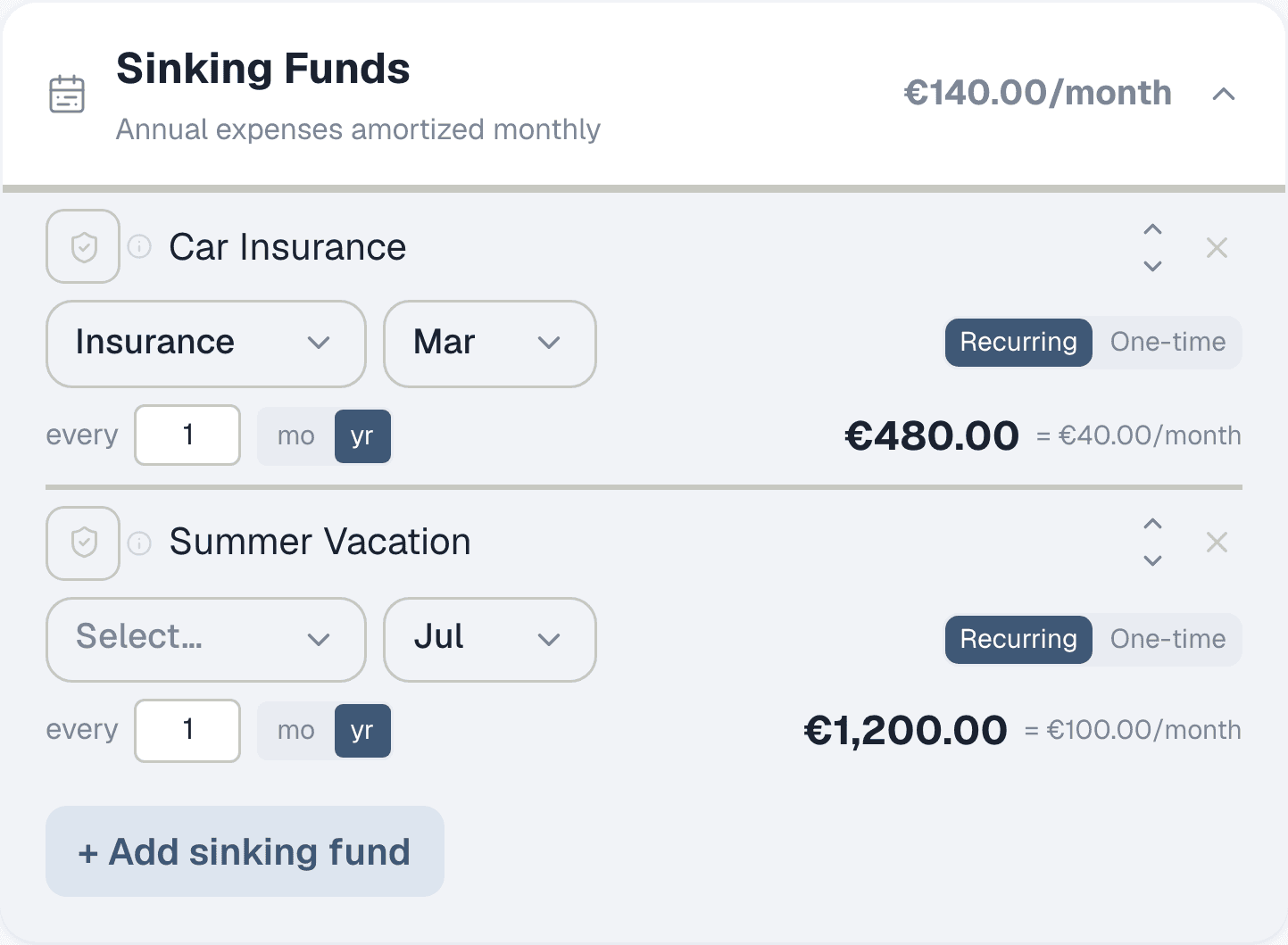
Open the Sinking Funds section. These are expenses that don't hit every month but still need budgeting: car insurance, vacation, annual subscriptions, tax payments. Enter the annual amount and Collie divides it across 12 months. Car insurance at €480/year becomes €40/month — reserved from your available cash so you're never caught off guard when the bill arrives.
Step 7: Your monthly breakdown
Each sinking fund shows the annual total and the per-month cost. The section header shows your total monthly reservation. These amounts are deducted from your available cash just like rent or groceries — the difference is they accumulate until the payment month arrives.
Step 8: Check what's left
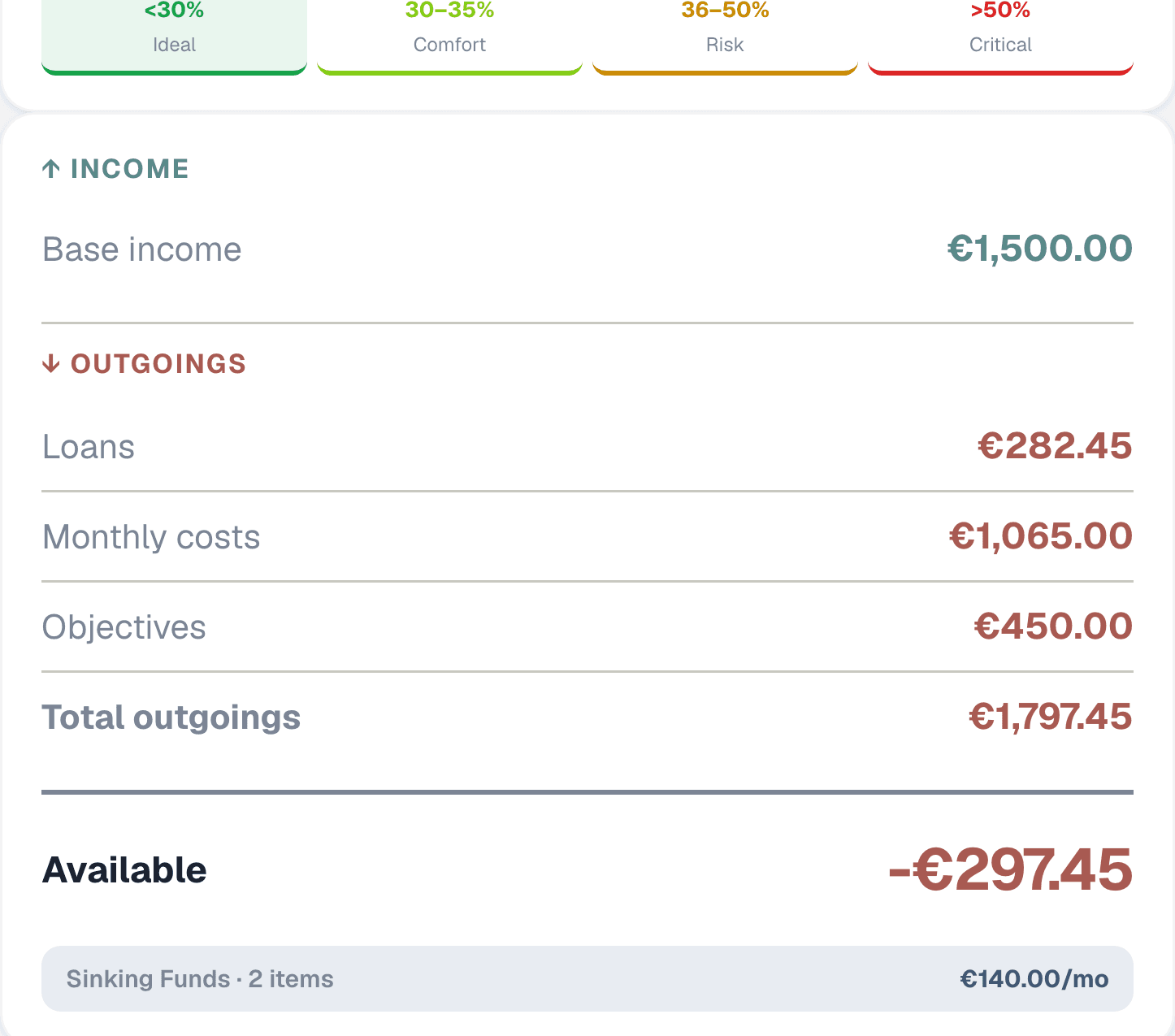
Look at the right panel. At the top, the effort rate bar shows what percentage of your income goes to fixed commitments — green means healthy, red means stretched. Below that, your income and all outgoings are itemised. At the bottom: your available cash. This is what you actually have to spend or save each month, after everything is accounted for. The sinking funds row reminds you how much is reserved for yearly costs.