I want to buy a car in 2 years
Set a savings target, track your progress, and make sure your budget can handle it.
Step 1: Create your car objective
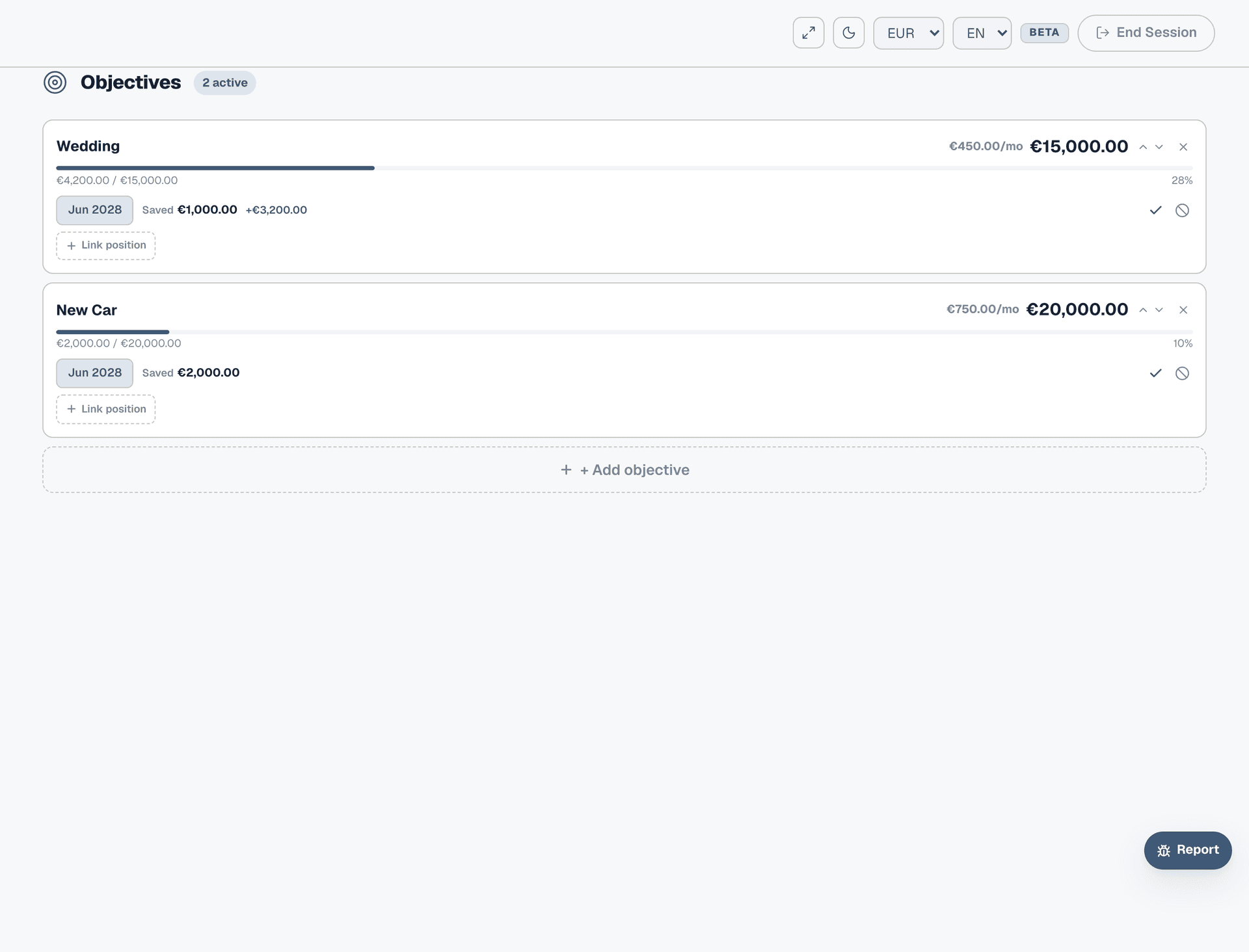
Go to Objectives from the sidebar and click "+ Add objective". Name it "New Car", set your target amount (e.g. €20,000) and your target date (e.g. June 2028). Collie immediately shows how much you need to save each month — for €20,000 in 24 months, that's €833/month. That number alone tells you whether this goal is realistic on your current income.
Step 2: Account for what you have
If you've already been saving toward the car — cash in a savings account, money from selling your current vehicle — enter the total in "Already saved". This brings down the monthly amount. With €2,000 already saved, the calculation drops from €833 to €750/month. Every euro you've already put aside makes the monthly target more achievable.

Step 3: See the math
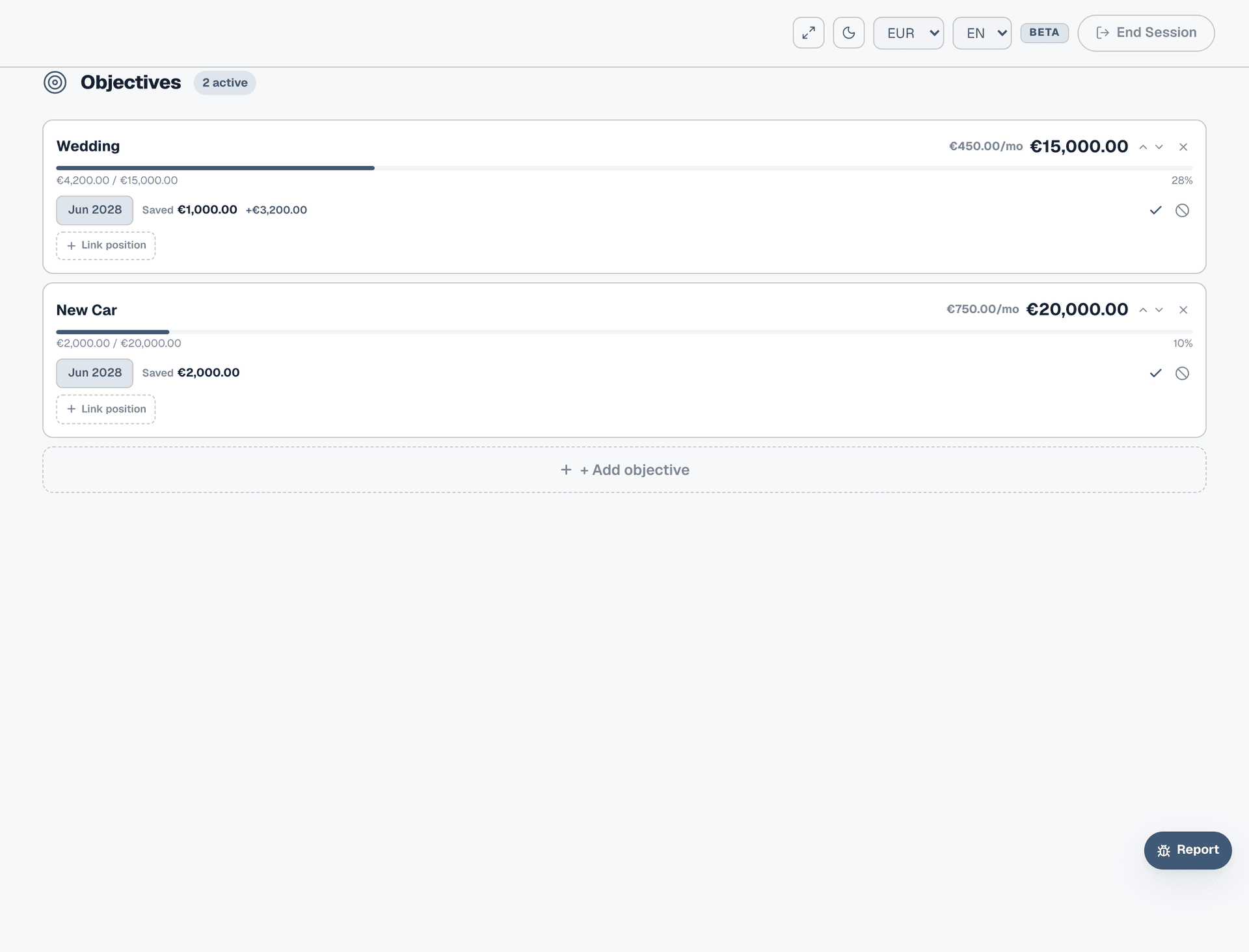
Your objective now shows on the Objectives page with a progress bar, the target date badge, monthly amount needed, and percentage complete. The math is simple but powerful: (target − saved) ÷ months remaining. As you save more or the date gets closer, the numbers update. If the monthly amount is too high, you can extend the date or lower the target.
Step 4: Link a savings account
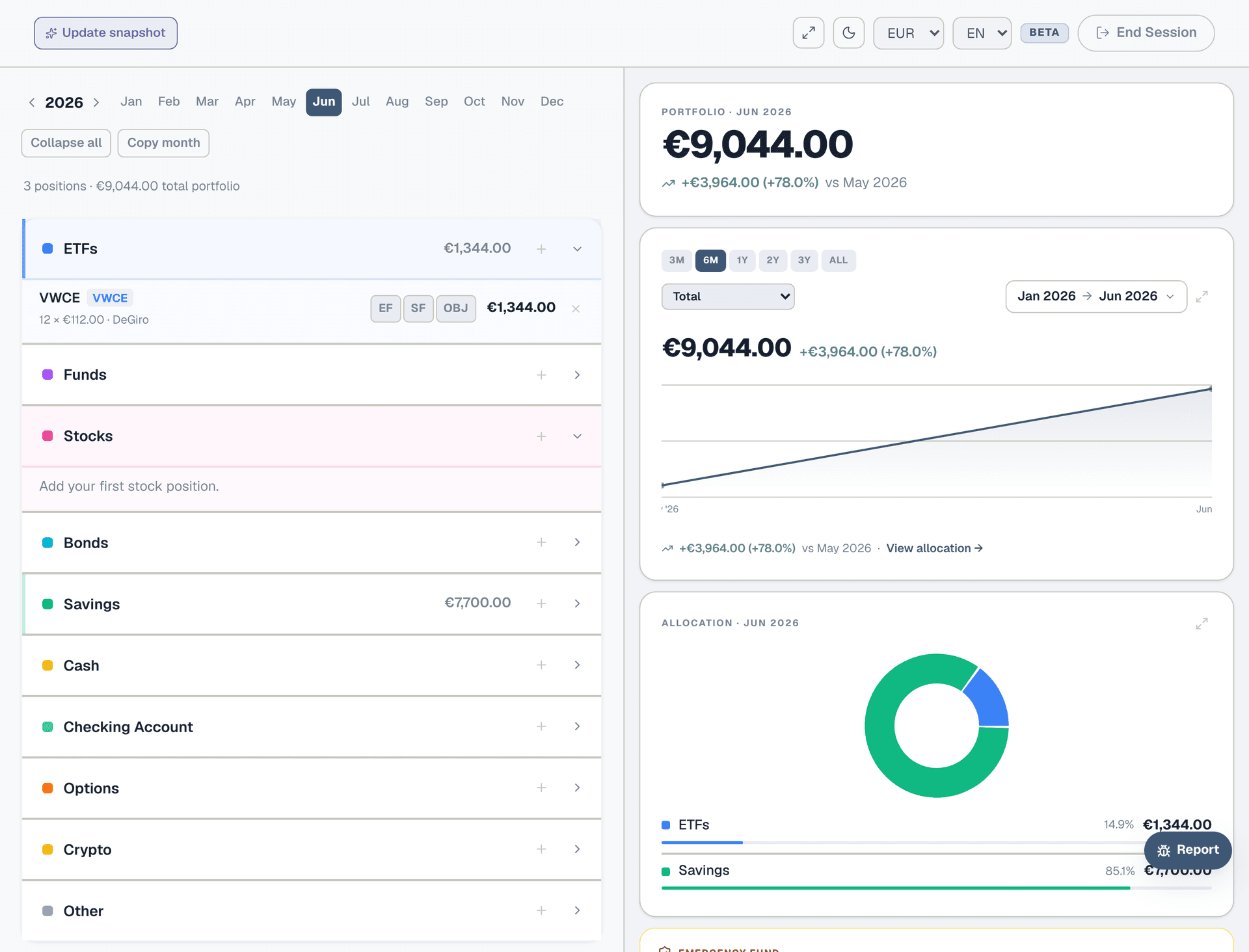
If you're saving into a dedicated account, go to Portfolio and find that position. Tap the OBJ button and select "New Car" from the dropdown. Now the objective tracks the account balance automatically — no need to update "Already saved" by hand each month. The progress bar on the Objectives page reflects the real balance.
Step 5: Add it to your budget
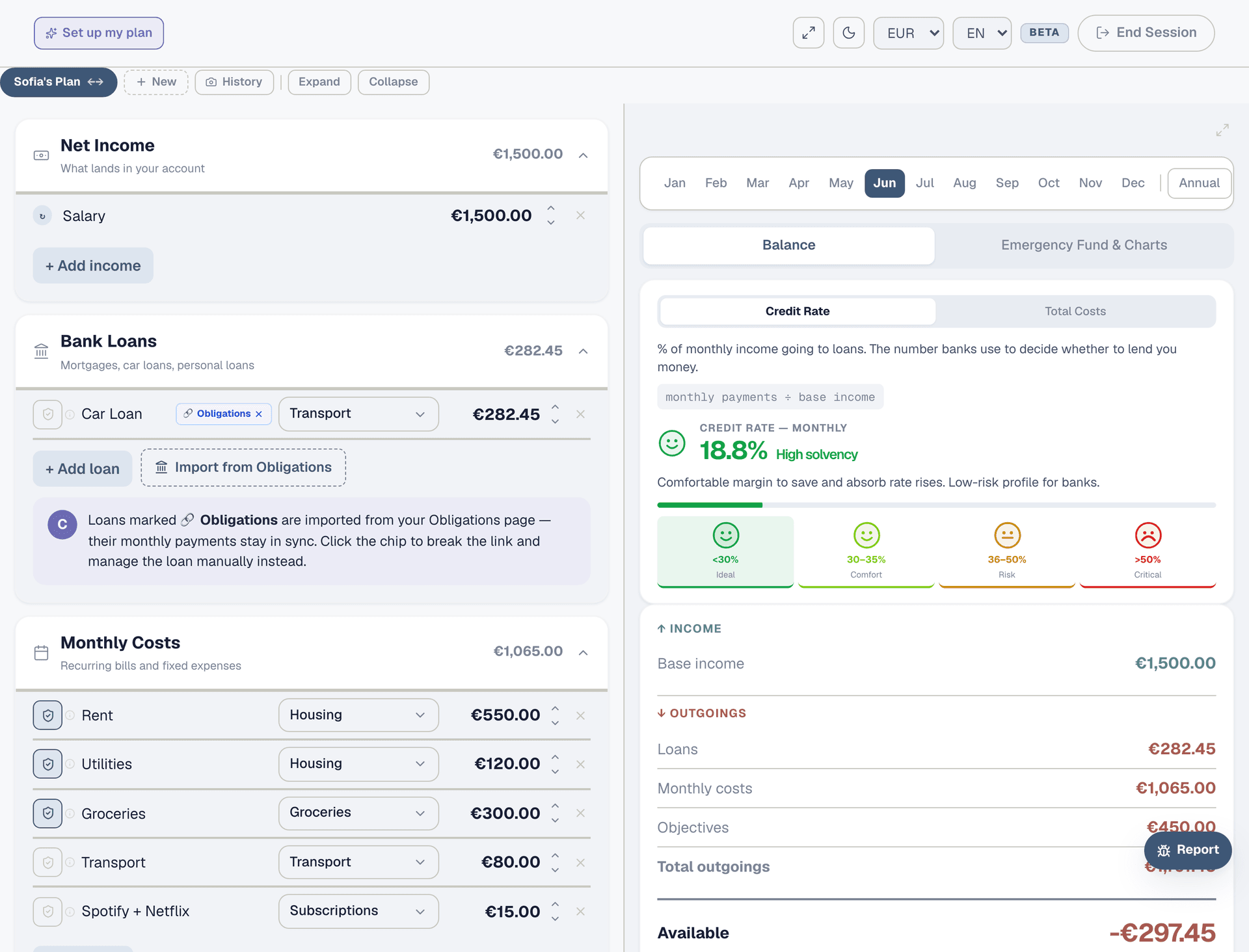
Go to the Planner and click "Import objective" in the Objectives section. Select "New Car" and set the start month. The monthly saving amount (€750) is now deducted from your available cash. If your available cash goes negative, you know you can't afford this goal at the current pace — either extend the timeline, reduce the target, or cut other expenses.
Step 6: Track month by month
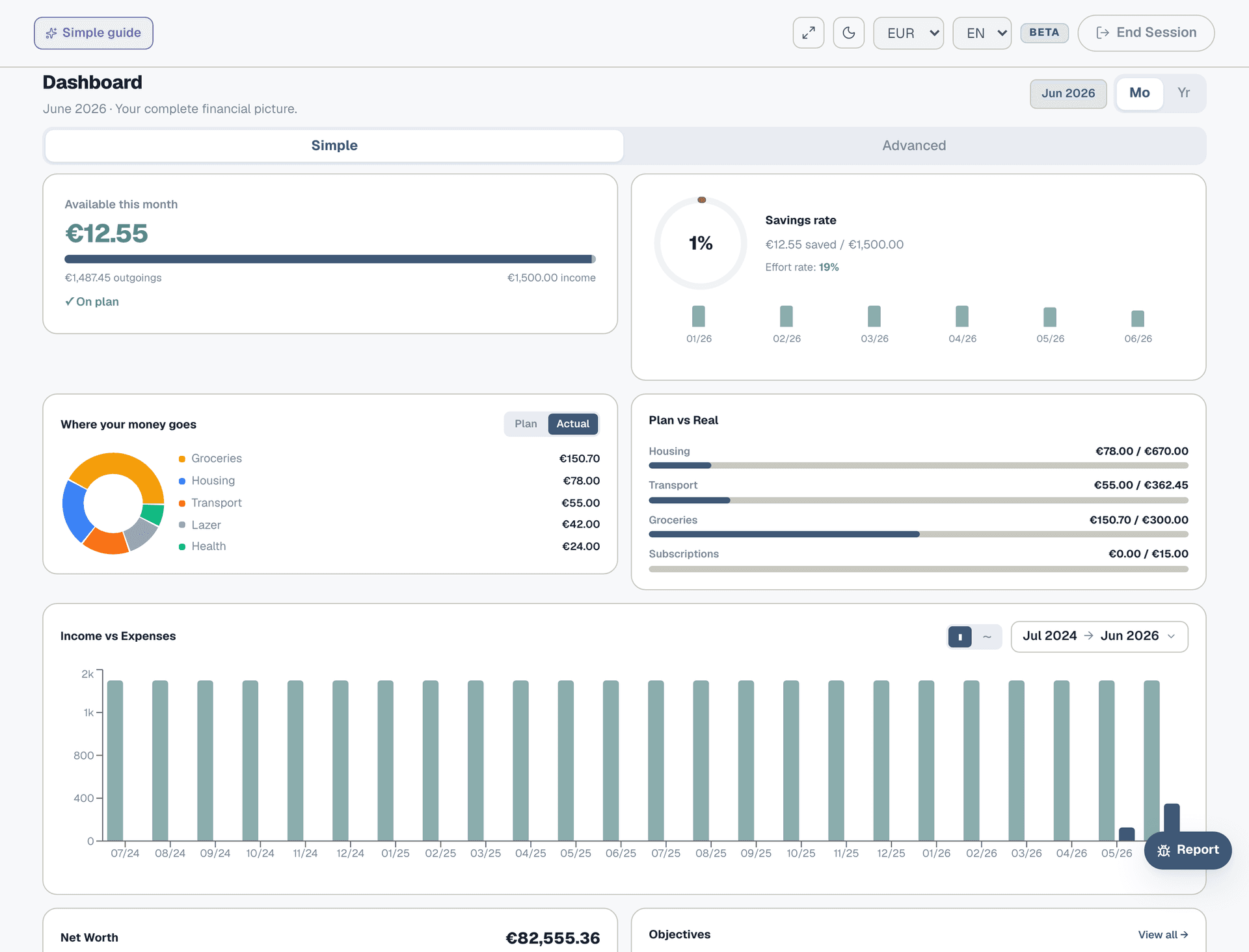
Each month, update your savings position in Portfolio with the new balance. The objective's progress bar advances automatically. On the Dashboard, you'll see your objectives in the bottom row with live progress bars. When you hit €20,000, mark the objective as complete — it moves to the archive, and the monthly deduction disappears from your Planner.